Features
DebugKit Runtime ships five core modules in a single on-device panel. Open a module below for details, screenshots, and usage notes. Install and build steps are in Getting Started.
H
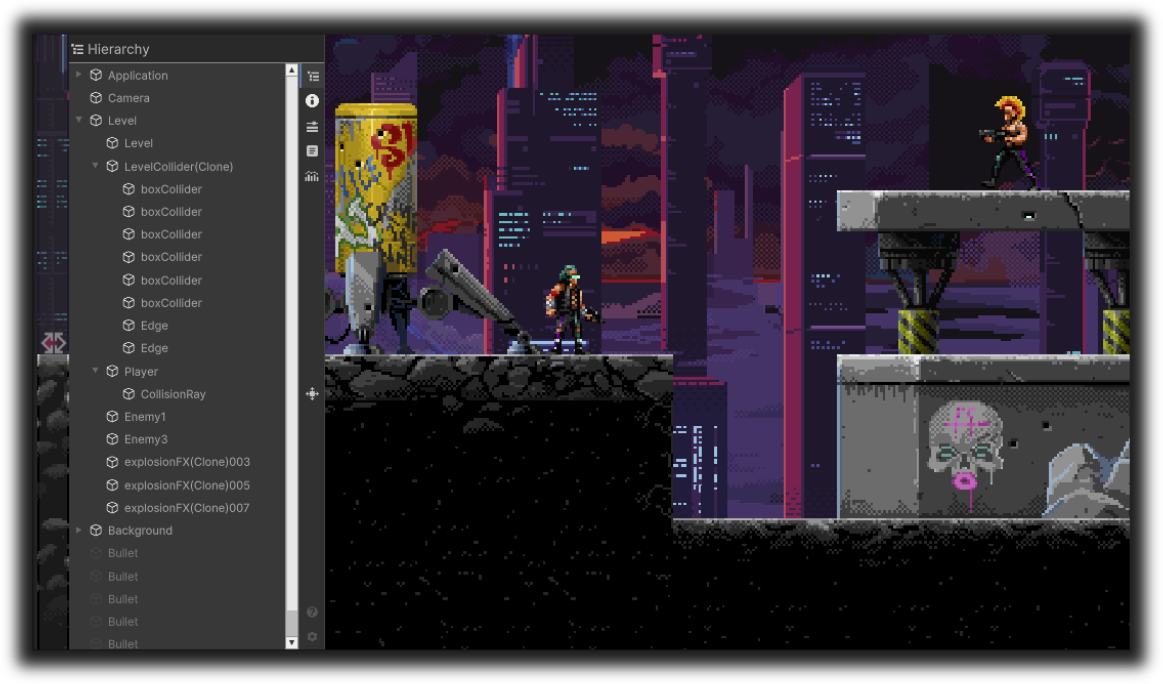
Hierarchy
Browse the live scene tree, expand branches, and select GameObjects for the Inspector.
View docs →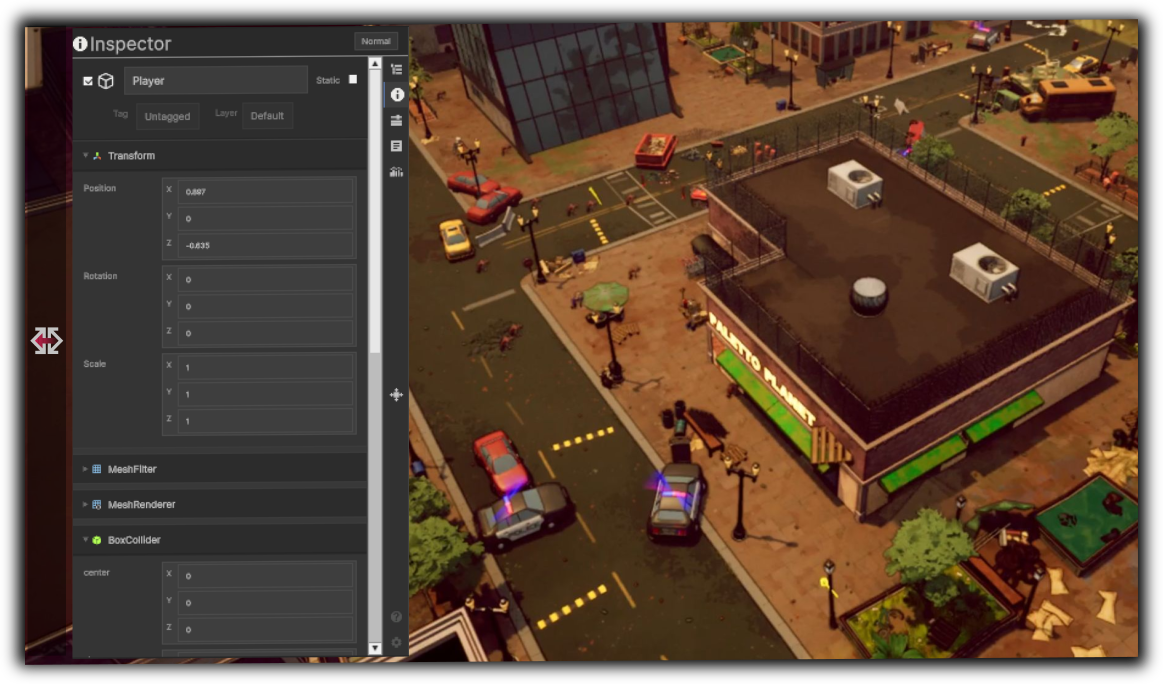
I
Inspector
Inspect and edit component fields in Normal or Debug mode on the selected GameObject.
View docs →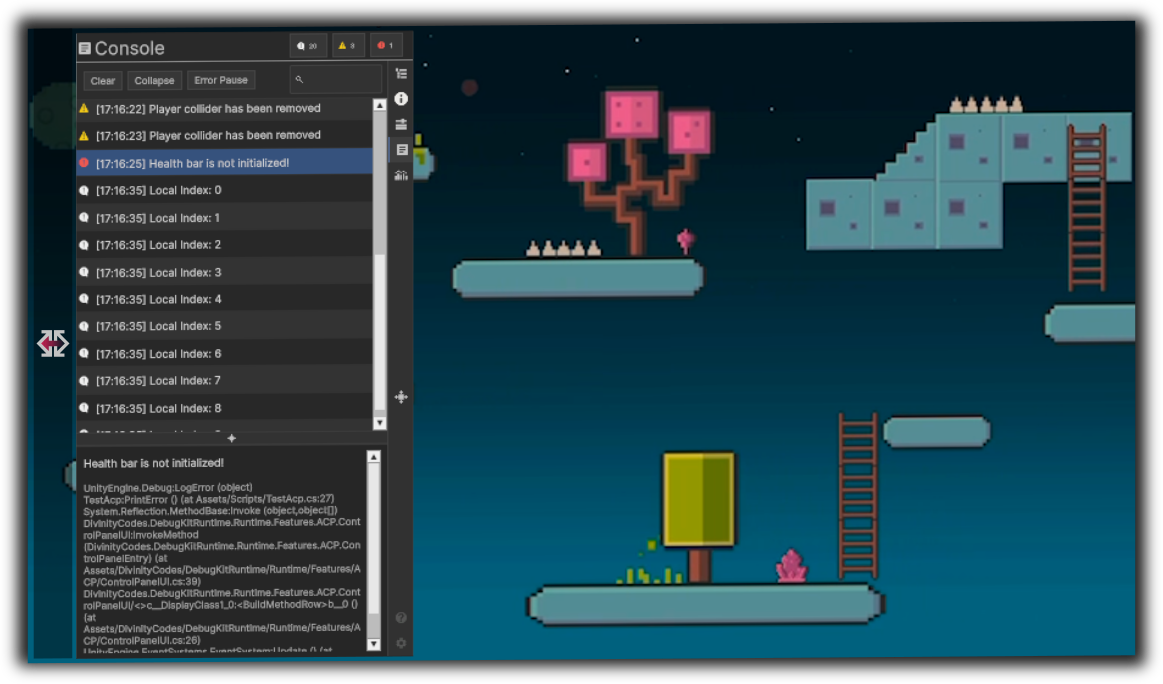
C
Console
Capture Log, Warning, and Error messages with search, filters, and stack traces.
View docs →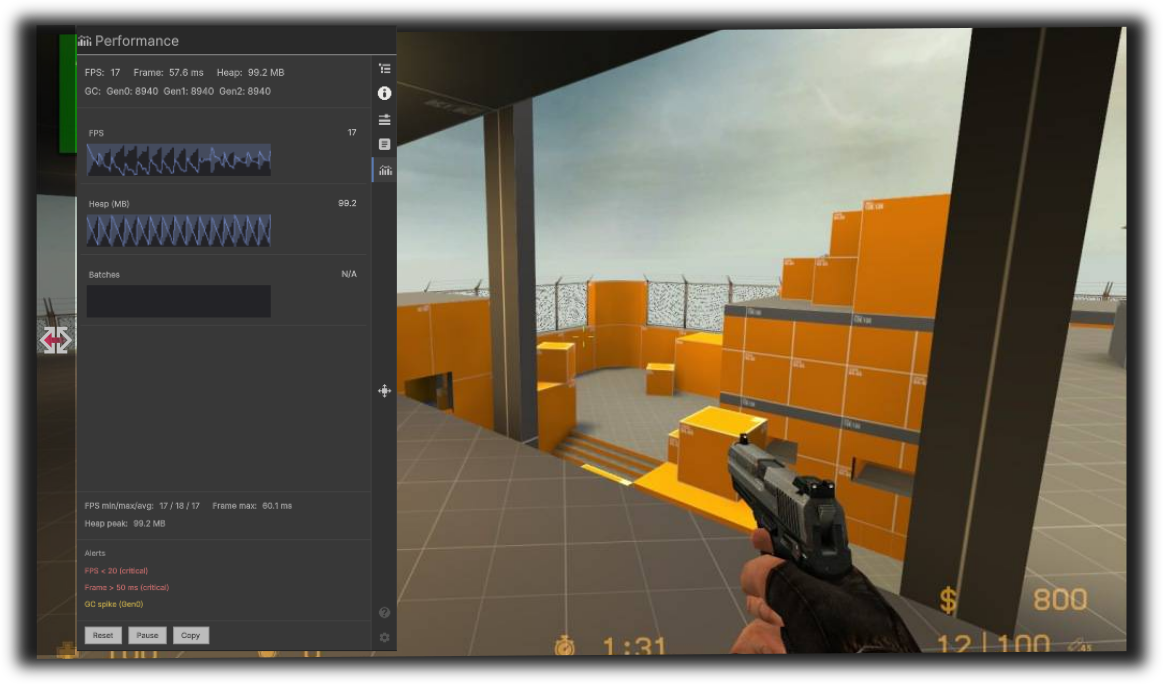
P
Performance
Monitor FPS, frame time, heap, and GC with sparklines, alerts, and copyable summaries.
View docs →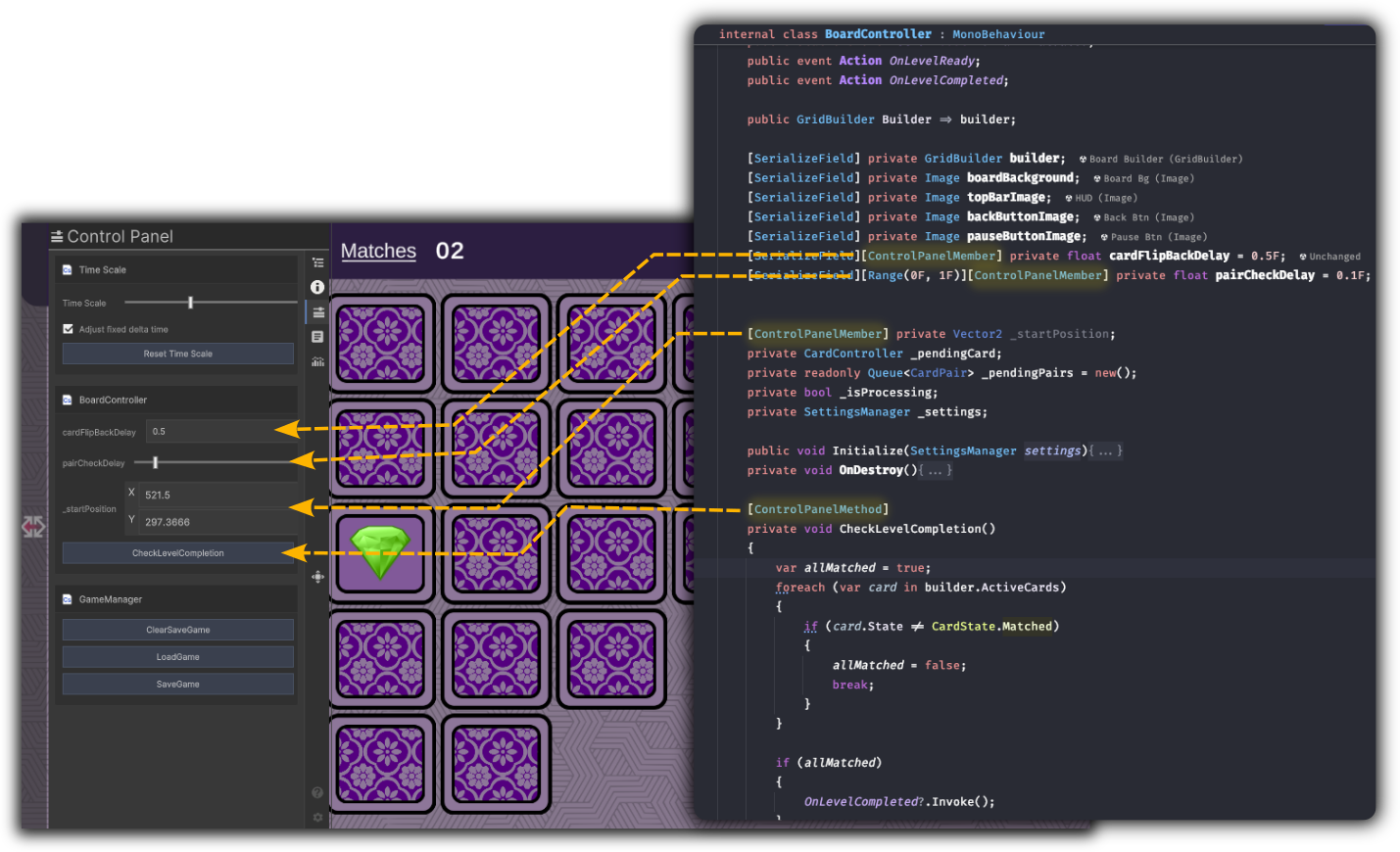
A
Control Panel
Tune time scale and expose your own fields and methods as runtime controls.
View docs →How the panel works
- Tabs load on demand. Logic for a feature runs mainly while that tab is visible.
- Layout is resizable and orientation-aware for phones, tablets, and other touch displays.
- Preferences (font size, refresh intervals, module options) persist on the device via PlayerPrefs.