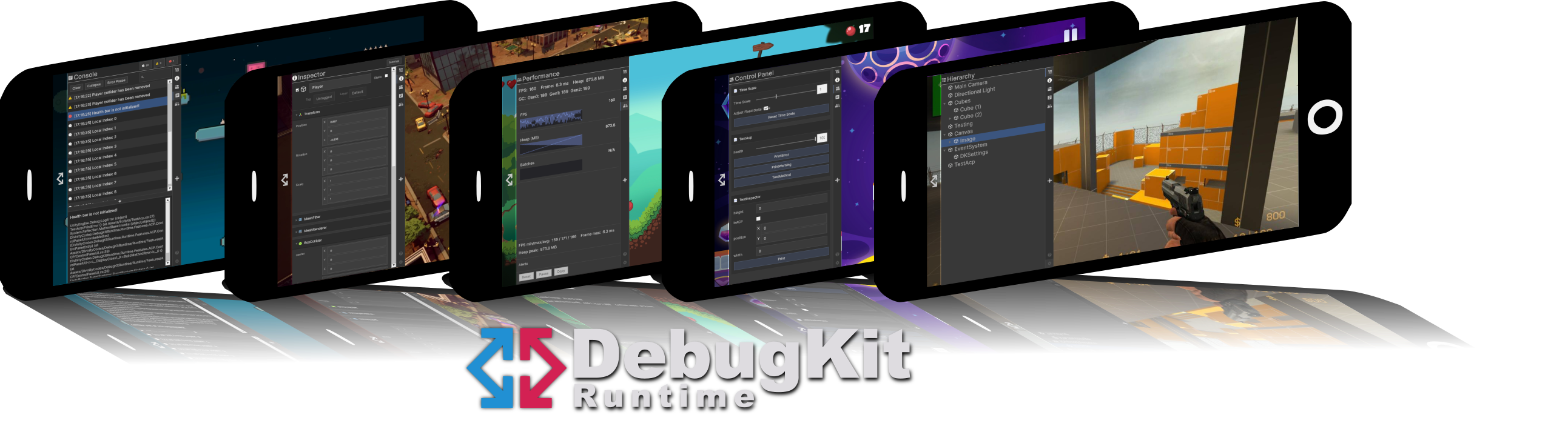
DebugKit Runtime
DebugKit Runtime is a production-ready debugging suite that runs inside your built application (Standalone, Mobile, or Consoles). It gives you a familiar, Editor-like experience directly on your test device, so you can solve problems without tethering to a PC.
Overview
The tool appears as a resizable, collapsible side panel built entirely with Unity UI Toolkit. It is designed for touch screens and high-resolution mobile displays, so your debug data stays readable and interactive.
Key capabilities
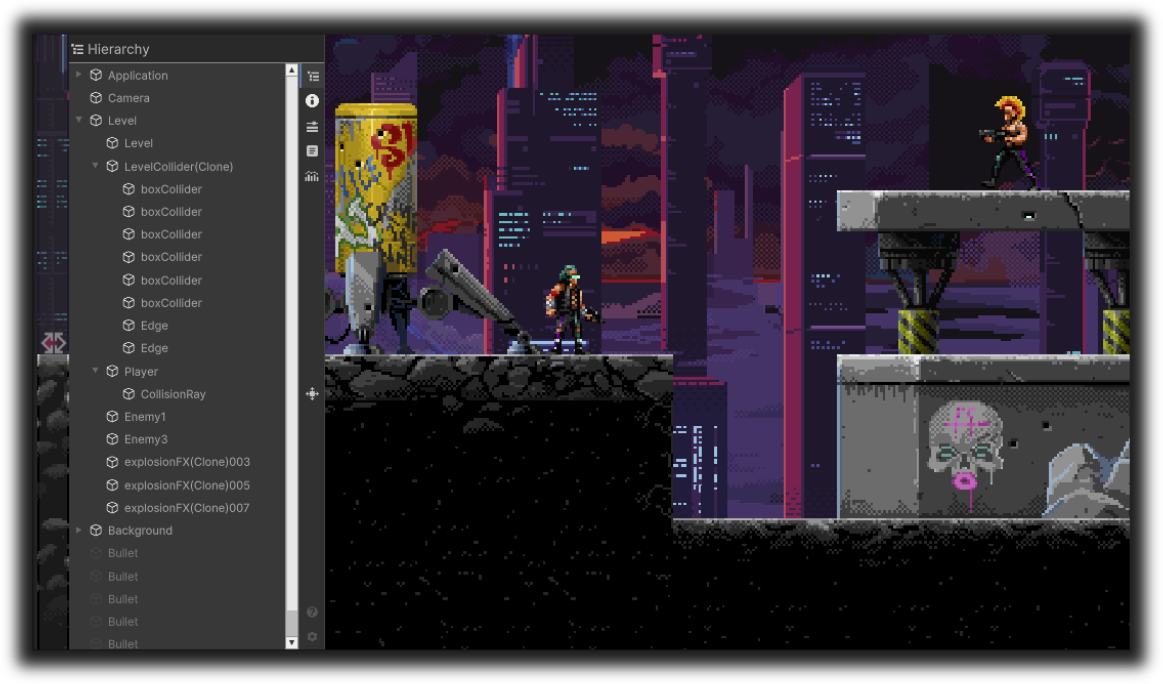
Runtime Hierarchy
Browse all active GameObjects, expand deep trees, and select objects for inspection.
Open Hierarchy →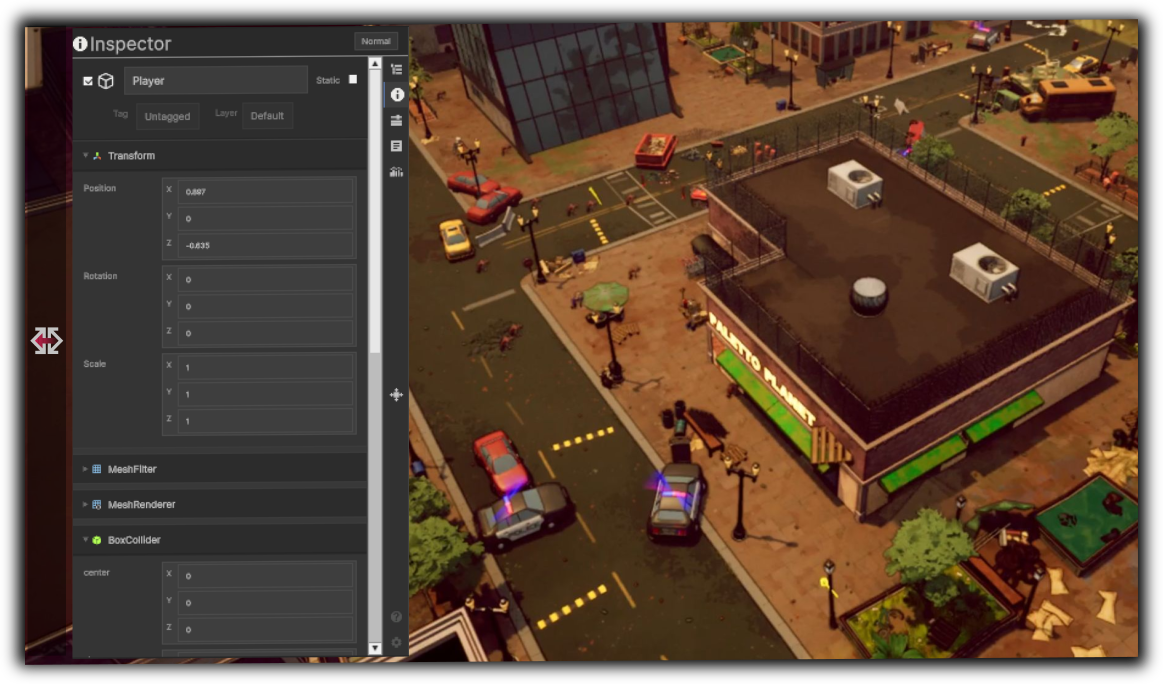
Advanced Inspector
View and edit component fields in Normal or Debug mode. Nested classes, collections, and dictionaries via Reflection.
Open Inspector →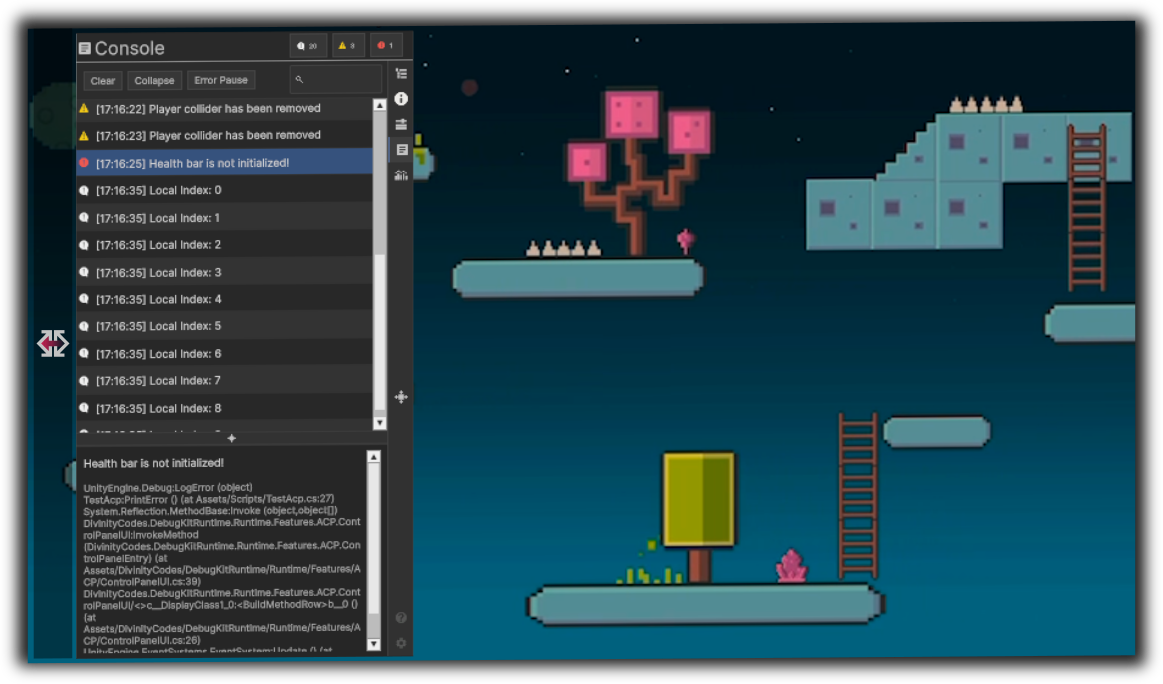
Live Console
Capture, search, and filter logs with full stack traces and collapse.
Open Console →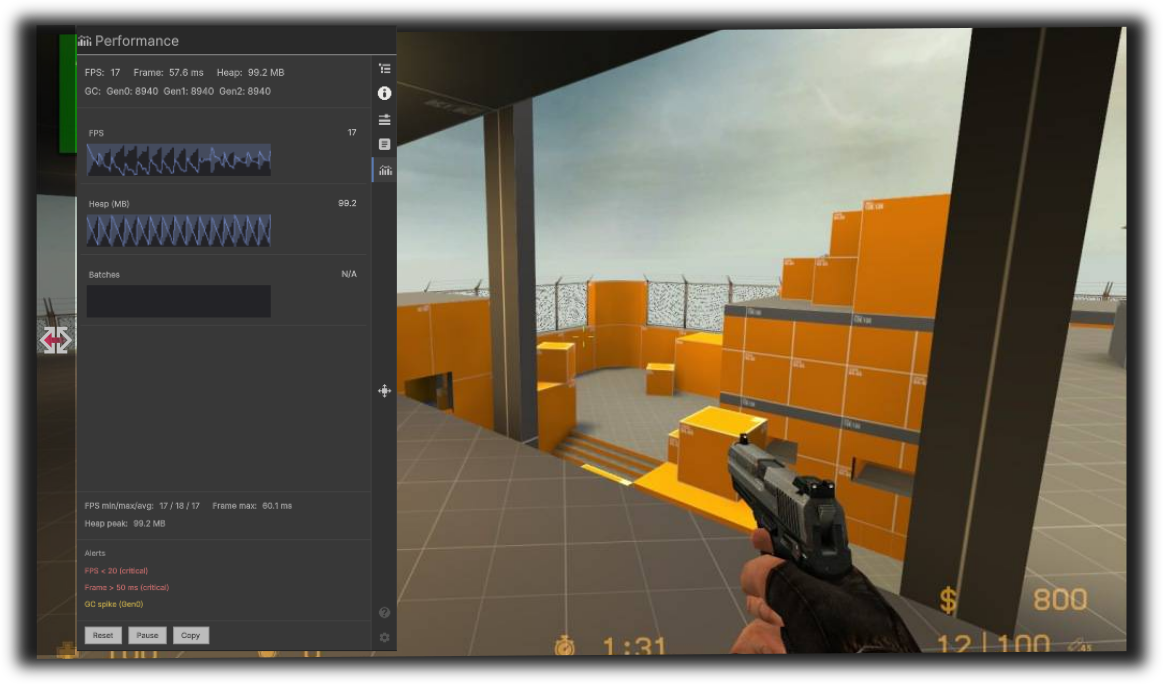
Performance
Track FPS, Frame Time, and Memory (Heap / GC) with high-frequency sparkline graphs.
Open Performance →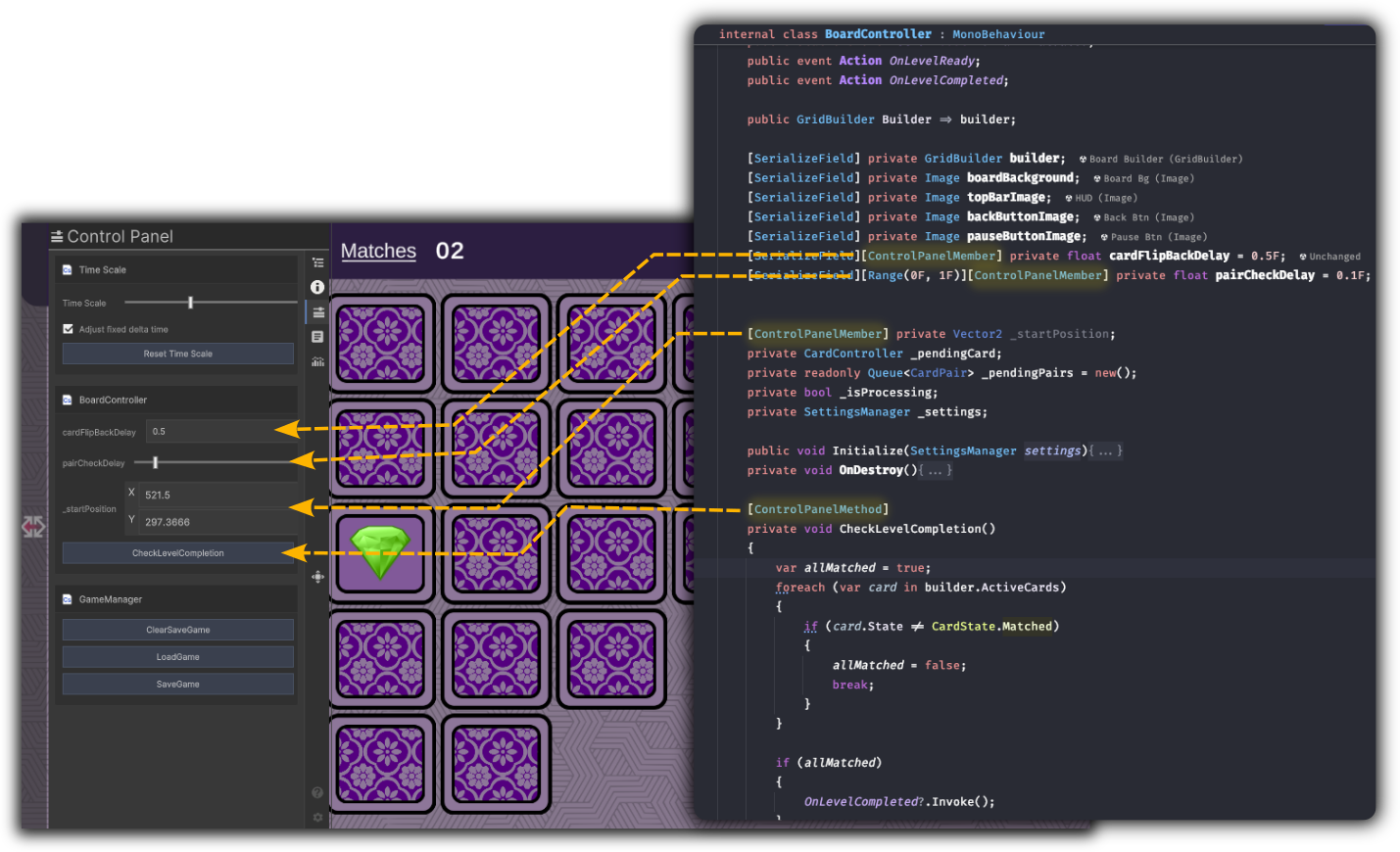
Admin Control Panel
Build custom dashboards with [ControlPanelMember] and [ControlPanelMethod] to trigger logic instantly.
Adaptive design
Flexible layout
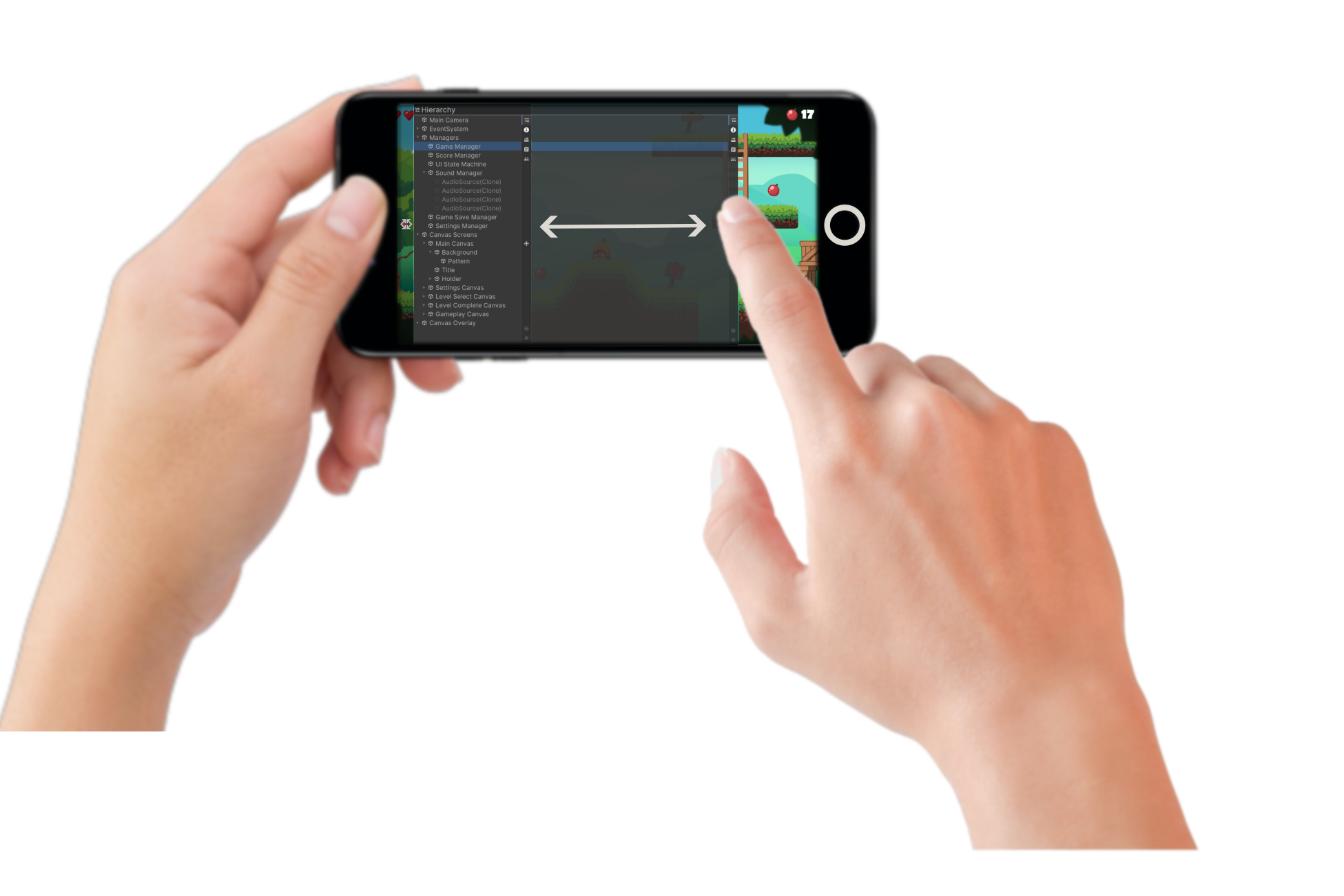
DebugKit does not force a fixed size on your screen. Drag and slide the panel edge to shape your workspace.
- Expand to see deep hierarchy trees or complex inspector data.
- Shrink to keep the toolkit accessible while you focus on gameplay.
Responsive UI
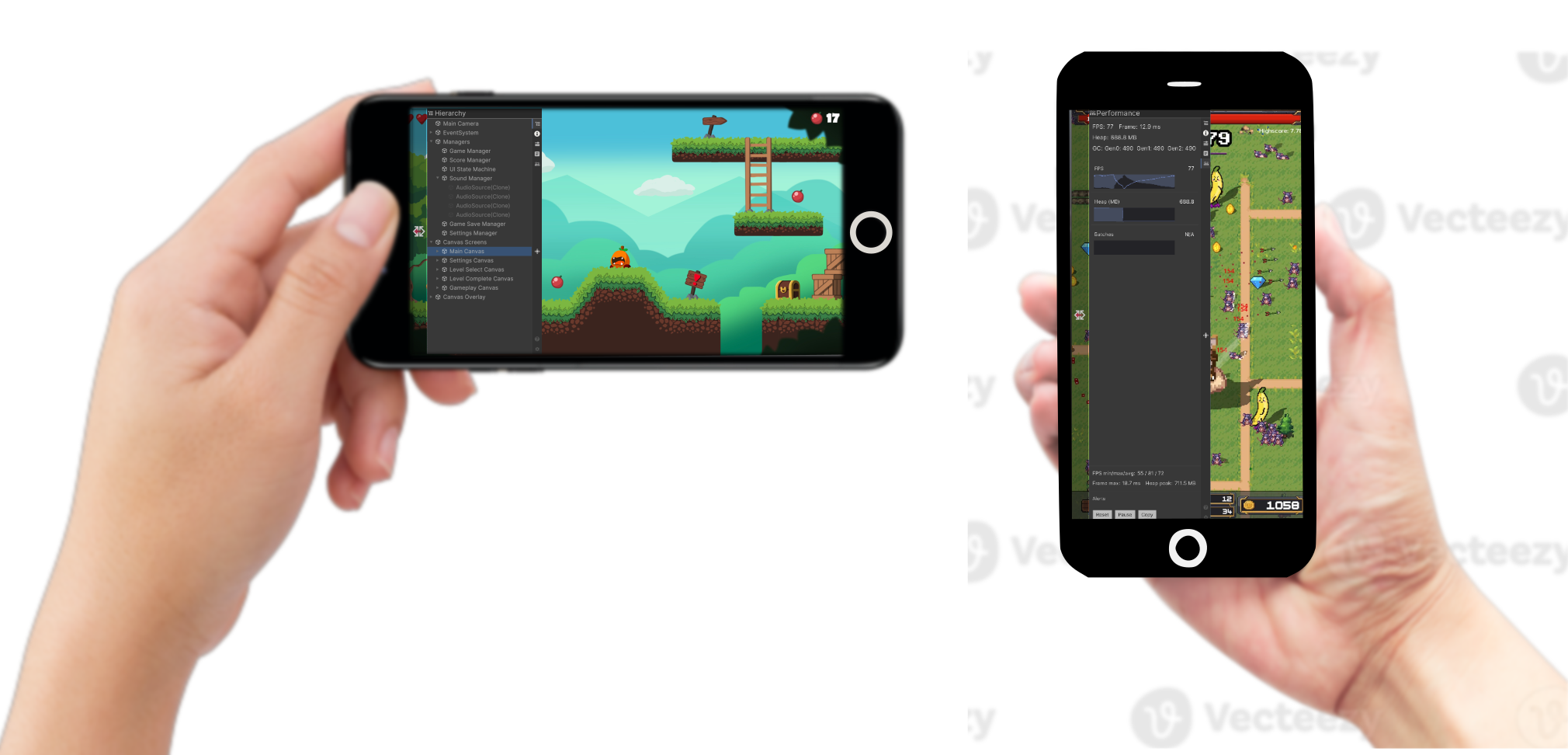
Built for modern mobile displays. The UI is fully responsive out of the box.
- Zero configuration: the tool detects your screen resolution automatically.
- Orientation support: it reflows between Portrait and Landscape so buttons, text, and graphs stay legible.
Runtime customization
In-device preferences
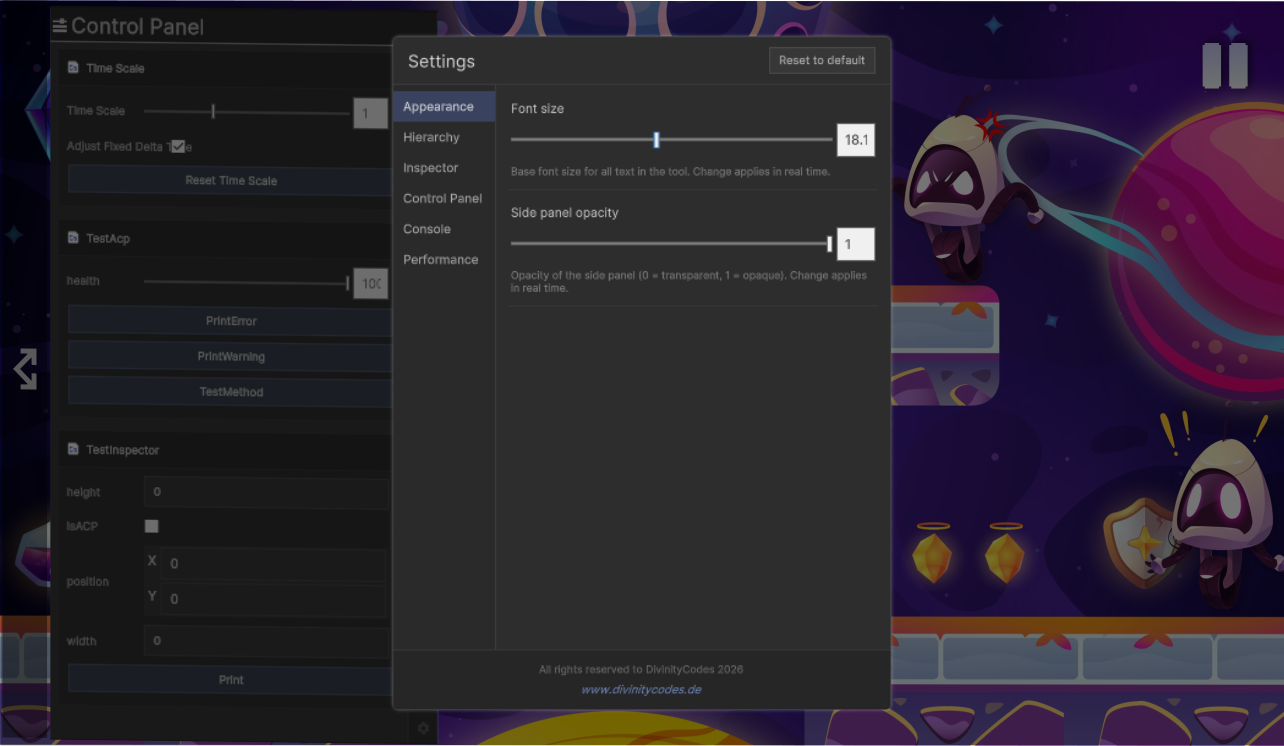
Fine-tune the toolkit on the device to match your testing environment. Through the settings menu you can adjust:
- Font scaling: Optimize text size for any screen density, from phones to high-resolution tablets.
- UI opacity: Control panel transparency so the game world stays visible while you debug.
- Refresh rates: Balance data precision and performance by choosing how often the UI updates.
- Console and module behavior: Tune how logs are captured, or toggle feature modules to save resources.
- Persistent configuration: Changes are saved on the device and carry across testing sessions.
Key benefits
| Benefit | Description |
|---|---|
| Device debugging | Debug on real devices without the Unity Editor or build-and-run cycles for simple checks. |
| No scene setup | Auto-bootstrap loads DebugKit from Resources/prefabs/DKManager. No manual placement required. |
| Development-build safety | Optionally show DebugKit only in development builds (Debug.isDebugBuild), keeping it out of release. |
| Persistent across scenes | The auto-spawned instance uses DontDestroyOnLoad, so it survives scene changes. |
| Customizable | Preferences (font size, refresh intervals, console options, and more) persist via PlayerPrefs. |
| Extensible | Expose your own sliders and buttons in the Control Panel via attributes. |
| Lightweight | Feature tabs load on demand. Only active feature logic runs (for example, Performance sampling when that tab is visible). |